What PNG Is
PNG compresses without discarding anything, the way a zip file does. Open it, edit it, save it a hundred times and the last copy is pixel-identical to the first. That makes it the container of record for screenshots, logos, UI graphics, and any image heading into an editor. It also carries a full 8-bit alpha channel, so transparency is smooth rather than jagged.
Converting a JPG to PNG doesn't restore detail the JPG already lost; nothing can. What it does is stop further damage: from this point on the image is frozen.
 Pros
Pros
- Lossless through any number of edit-and-save cycles.
- Real alpha transparency, smooth at the edges.
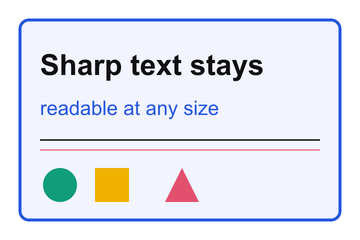
- Text and hard edges stay exactly as drawn.
 Cons
Cons
- Heavy on photographs: the same photo below costs 186 KB as PNG and 16 KB as JPG.
- No quality dial; the only way to shrink one is fewer pixels or another format.

From WebP to something your tools accept
The most common trip through this page is webp to png. Browsers save web images as WebP, and then the design tool, the government form, or the print shop refuses the file. Converting to PNG keeps every pixel and the transparency while producing a file that every program of the last twenty years understands. If the destination is email or a document instead, JPG is the smaller safe bet.
Vector logo to rasterize? Drop the SVG here and it renders at its natural size; for an exact pixel width, send it through the resizer after. When the finished graphic ships to a web page, a pass through the WebP converter usually pays the bandwidth bill back.